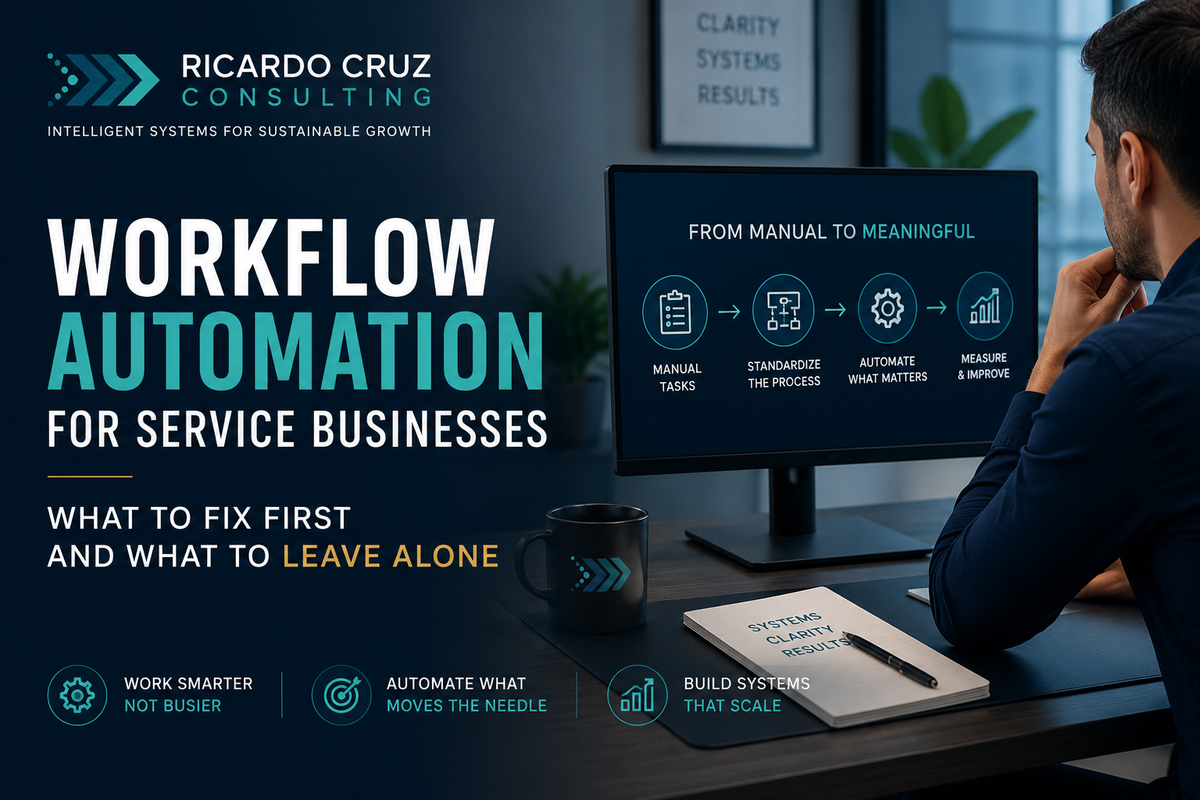
Workflow automation is the use of technology to move repeatable work through a defined process with less manual effort. That can mean routing an intake form, creating a project record, assigning the next task, sending a status update, or moving approved information from one system to another.
The definition is simple. The implementation usually is not.
Most founder-led service businesses do not struggle because they lack software. They struggle because the work itself has never been made clear enough for software to follow. Decisions live in the founder's head. Exceptions are handled through memory. Handoffs happen through Slack messages, inbox searches, and whoever happens to know what comes next.
When automation is added to that environment too early, it does not remove the disorder. It makes the disorder move faster.
That is the central rule of workflow automation: automate the process you want to keep, not the process you are already trying to escape.
What workflow automation should actually accomplish
For a service business, good automation creates capacity without making the client experience feel mechanical. It removes the repetitive coordination around the work so the team can spend more time applying judgment, solving problems, and serving the client.
A useful automation should do at least one of four things:
- Reduce repetitive administrative work.
- Prevent information from being lost between people or systems.
- Make the next action visible without someone having to ask.
- Create a consistent record of what happened and when.
Notice what is not on that list: replacing every human decision.
Professional services, clinics, agencies, and other relationship-driven businesses still depend on trust and judgment. The goal is not to remove people from the work. It is to stop using people as the connective tissue between systems that should already work together.
Why automation projects fail
Automation projects often begin with a tool instead of a workflow.
Someone sees a demonstration of an AI assistant, a new CRM feature, or an integration platform and immediately starts looking for places to install it. The team then spends time configuring software around a process that has not been defined, measured, or agreed upon.
The result is predictable:
- The automation handles the normal path but breaks when a common exception appears.
- The team maintains a spreadsheet beside the new system because they do not trust it.
- The founder continues approving every meaningful step.
- Data moves automatically, but nobody is sure whether it is accurate.
- The business now has one more system to monitor without having removed the old work.
This is not an automation problem. It is a process-design problem.
The article It Is Not a Hiring Problem. It Is a Systems Problem. explores the same pattern from the staffing side. Adding technology and adding people can both increase capacity, but neither fixes work that is unclear, inconsistent, or dependent on one person's memory.
How to know a workflow is ready for automation
A workflow does not need to be perfect before it can be automated. It does need to be stable enough that the team can describe what normally happens, who owns each decision, and what a successful outcome looks like.
The strongest early automation candidates usually have five characteristics.
1. The work happens frequently
A five-minute task performed once a quarter is rarely the right place to begin. A five-minute task repeated forty times a week may be.
Frequency matters because small amounts of friction compound. Repetitive work also gives you enough examples to see the normal path, the common exceptions, and the real cost of delay.
2. The inputs are reasonably consistent
Automation works best when the required information arrives in a recognizable format. If every request begins differently and the team cannot agree on the minimum information needed, the intake process should be redesigned before it is automated.
3. The rules can be explained
A good candidate contains decisions that can be expressed clearly:
- If the client selects this service, create these tasks.
- If a document is missing, send this reminder.
- If the amount exceeds this threshold, request approval.
- If a deadline is approaching, notify the owner.
Not every decision needs to be automated, but the process should distinguish rules from judgment.
4. The handoff is creating friction
Many of the best opportunities sit between people, not inside one person's task. A team member finishes their part, but the next person does not know the work is ready. A client submits information, but it is not connected to the project record. A request is approved, but nobody creates the follow-up action.
These gaps are where work stalls without appearing broken.
5. The outcome can be measured
Before building anything, decide how you will know the automation worked. Useful measures include cycle time, manual touches, missing information, rework, escalations, response time, or hours returned to the team.
You do not need an elaborate dashboard. You do need a baseline and a definition of success.
What to automate first
The best first automation is usually not the most impressive one. It is the workflow with enough repetition and friction to create a visible result, but not so much complexity that the business cannot learn from the implementation.
Strong starting points often include:
- Lead intake and qualification routing
- Client onboarding task creation
- Appointment confirmations and reminders
- Document collection and missing-item follow-up
- Internal approval routing
- Project status notifications
- Invoice preparation and payment reminders
- Recurring reporting assembly
- Client offboarding and handoff checklists
Client onboarding is a particularly useful example because it touches sales, operations, communication, documentation, and delivery. It also exposes where the business is still relying on memory.
A practical onboarding automation might begin when a contract is signed. It could create the client record, open the project, assign the standard tasks, request the required documents, schedule the kickoff communication, and notify the delivery owner. Human judgment still matters, but the coordination no longer depends on one person remembering every step.
What not to automate yet
Some work should remain manual until the underlying process is stronger.
Unstable processes
If the workflow changes every week, automation will create constant maintenance. Stabilize the process first, even if the temporary version is simple.
High-judgment decisions
Strategy, sensitive client conversations, exception approval, and relationship repair are rarely good candidates for full automation. Technology can prepare information or prompt the next action, but accountability should remain clear.
Low-volume work
A technically elegant automation may still be a poor investment if the task rarely occurs. Time saved is only one part of the calculation. Maintenance and failure risk matter too.
Broken upstream data
Automation does not improve bad information. If names, service types, statuses, or ownership fields are inconsistent, moving that data faster will spread the problem.
Processes nobody owns
Every automation needs a business owner. That person does not need to build it, but they must be responsible for the workflow, the exceptions, and the decision to change it.
The RCC workflow-first automation method
At Ricardo Cruz Consulting, workflow automation begins with the operating process, not the software. The method has five stages.
1. Map the current workflow
Document how the work actually moves today, including the unofficial steps. Capture the trigger, inputs, decisions, owners, systems, handoffs, exceptions, and final outcome.
Do not map the process leadership believes exists. Map the one the team is using.
2. Remove unnecessary work
Before automating a step, ask whether the step should exist at all. Remove duplicate approvals, repeated data entry, unnecessary status meetings, and reports nobody uses.
The cheapest automation is deleting work that does not create value.
3. Stabilize decisions and ownership
Define the normal path, the escalation path, and who owns each decision. This is where the business separates rules that technology can execute from judgment that requires a person.
4. Build the minimum valuable automation
Automate the smallest complete version that produces a useful result. Avoid connecting every system during the first release. A narrow automation that the team trusts is more valuable than a sophisticated one they work around.
5. Transfer ownership and improve it
Document how the automation works, how to recognize a failure, and who can change it. Review the workflow after real usage. The goal is not a one-time build. It is an operating capability the business can maintain.
The teardown What a 90% Reduction in Escalations Actually Looks Like shows why the process and ownership design matter as much as the automation itself.
Where AI belongs in workflow automation
AI can make workflow automation more flexible, particularly when the work involves unstructured information. It can summarize an intake form, classify a request, draft a response, extract fields from a document, or recommend a next step.
But AI should not become an invisible decision-maker.
For each AI-assisted step, define:
- What information the model receives
- What output it is allowed to create
- What confidence or quality threshold is required
- When a person must review the result
- What information must never be exposed
- How the team will identify and correct errors
The question is not whether an AI tool looks impressive. The question is whether it reliably improves the workflow. AI Tools That Actually Save Time vs. AI Tools That Look Good in Demos offers a practical filter for that decision.
How to measure whether the automation worked
A workflow automation should be evaluated against the problem it was built to solve.
Before implementation, record a simple baseline:
- How long does the workflow take from trigger to completion?
- How many times does a person manually touch it?
- Where does it wait?
- How often is information missing or incorrect?
- How often does the founder or a senior leader intervene?
- How much rework occurs?
After implementation, compare the same measures. Also ask the team whether the process is easier to understand and whether they trust the system enough to stop maintaining a backup process.
An automation is not successful because it runs. It is successful because the business can operate better with it.
A practical starting sequence
A founder-led service business does not need to automate everything at once. A more durable sequence is:
- Identify the three workflows creating the most friction.
- Measure frequency, time, rework, delay, and founder involvement.
- Choose one workflow with high value and manageable complexity.
- Map and simplify it.
- Automate the smallest complete version.
- Document ownership and exception handling.
- Review the result before selecting the next workflow.
The free Growth Capacity Assessment can help identify whether workflow friction, founder dependency, or unclear ownership is creating the greatest constraint.
For businesses that want to implement the first systems themselves, the Automation Starter Toolkit provides the scorecards, mapping tools, ROI calculator, SOP templates, and 90-day roadmap needed to move from idea to implementation.
For more complex workflows that cross teams or systems, the Automation Optimization Retainer provides ongoing senior support to redesign, build, measure, and improve the operating system as the business grows.
Ricardo Cruz is a Fractional COO and Operations Consultant with 15+ years of enterprise operations experience at Fidelity Investments, including a documented 90% reduction in escalations through process redesign. He works with founder-led service businesses to build systems that don't depend on any one person to run.
Related RCC authority guides
Use the Business Process Automation guide when the problem extends across several connected workflows. Review Operational Debt before automating old workarounds, and use the Operational Efficiency guide to connect the implementation to capacity and margin.